
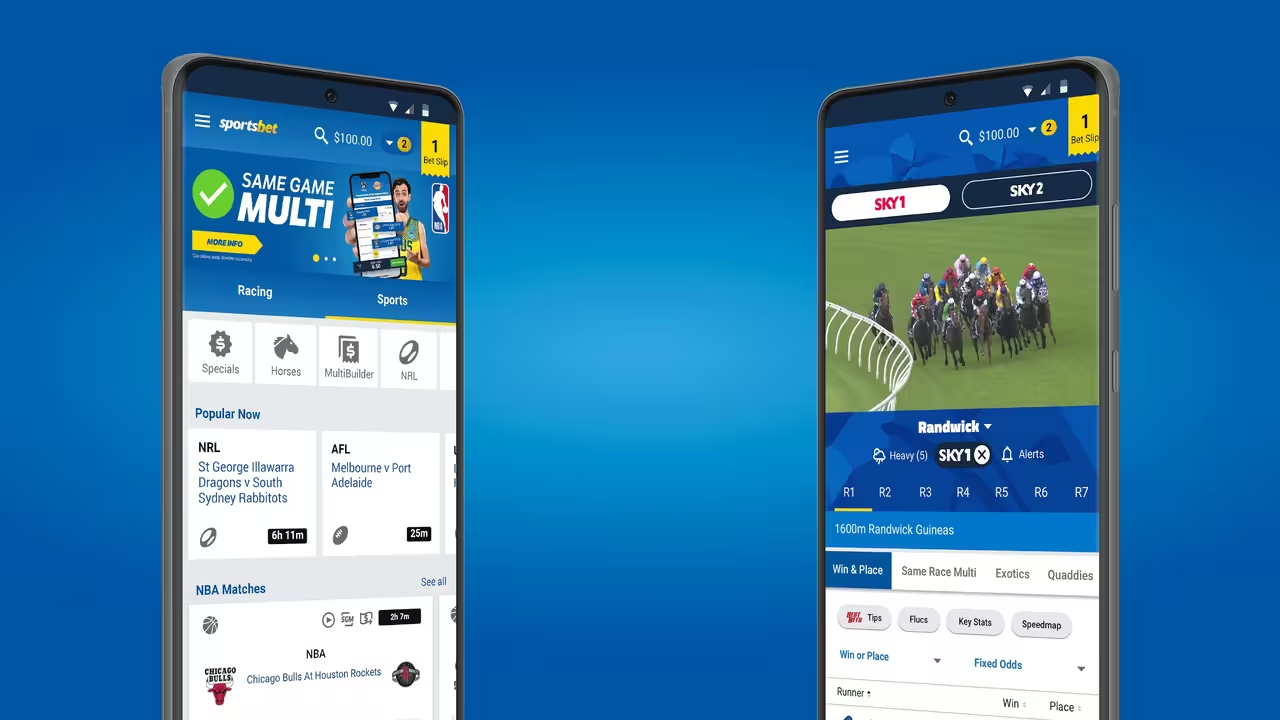
You're ready to place a bet, open the Sportsbet app, and suddenly find yourself stuck in a frustrating verification loop.
Instead of accessing your account, the app repeatedly displays a "Verification Failed" message. No matter how many times you try, you can't get past the verification screen.
The good news is that this issue is usually caused by a simple technical problem, account mismatch, or verification error. In most cases, you can fix it within a few minutes without needing advanced technical knowledge.
This guide explains the most common causes and provides step-by-step solutions to help you get back into your Sportsbet account quickly.
Why Does Sportsbet Show a "Verification Failed" Message?
Sportsbet uses verification systems to protect customer accounts and comply with Australian wagering regulations.
If something prevents the app from confirming your identity or connecting to Sportsbet's servers, you may see a verification error.
Common causes include:
- Poor internet connection
- Outdated app version
- Corrupted app cache
- Incorrect account details
- Identity verification issues
- Temporary Sportsbet system problems
Finding the exact cause is the key to fixing the issue.
Step 1: Check Your Internet Connection
Before trying anything complicated, make sure your internet connection is working properly.
The Sportsbet app needs a stable connection to verify your account details and communicate with Sportsbet's servers.
Try the following:
- Switch between Wi-Fi and mobile data
- Restart your router
- Turn Airplane Mode on and off
- Open other websites or apps to test connectivity
If other apps are struggling to load, the problem may be your internet connection rather than Sportsbet.
Step 2: Close and Reopen the App
Sometimes the simplest solution works best.
Completely close the Sportsbet app rather than minimizing it in the background.
Wait a few seconds before reopening the app and attempting verification again.
This quick refresh can often resolve temporary glitches.
Step 3: Update the Sportsbet App
Using an outdated version of the Sportsbet app can cause compatibility issues and verification errors.
App updates often include:
- Bug fixes
- Security improvements
- Performance enhancements
- Verification system updates
To check for updates:
On Android
- Open the Google Play Store.
- Search for Sportsbet.
- Tap Update if available.
On iPhone
- Open the App Store.
- Search for Sportsbet.
- Install any available updates.
After updating, restart the app and try again.
Step 4: Clear the App Cache
Stored app data can sometimes become corrupted and interfere with account verification.
Clearing the cache removes temporary files without affecting your account.
Android Users
Follow these steps:
- Open Settings.
- Select Apps.
- Tap Sportsbet.
- Choose Storage.
- Tap Clear Cache.
If the issue continues, you can also select Clear Data.
Keep in mind that clearing data may require you to log in again.
iPhone Users
iPhones don't provide a dedicated cache-clearing option.
The easiest solution is usually:
- Delete the Sportsbet app.
- Restart your device.
- Reinstall the app from the App Store.
This effectively removes cached files and installs a fresh version.
Step 5: Restart Your Phone
A device restart can solve many temporary software issues.
Shut down your phone completely and leave it off for around 30 seconds.
After restarting:
- Open Sportsbet
- Log in again
- Retry the verification process
Many users find this resolves unexpected app behaviour.
Step 6: Check Your Account Details
If the technical fixes don't work, the issue may be linked to your account information.
Sportsbet requires account details to match official identification records.
Review your account details carefully and ensure they match your documents exactly.
Pay special attention to:
- Full legal name
- Date of birth
- Residential address
- Email address
- Mobile phone number
Even small differences can trigger verification problems.
Step 7: Review Your Identity Verification Documents
If you've recently submitted identification documents, Sportsbet may be unable to verify them successfully.
This often happens when documents are:
- Blurry
- Cropped
- Expired
- Difficult to read
- Missing required information
Sportsbet commonly accepts:
- Driver's licence
- Passport
- Medicare card
- Proof of address documents
Ensure any uploaded documents are clear and fully visible.
Step 8: Try Logging In Through a Browser
If the app continues showing a verification error, try accessing your account through the Sportsbet website instead.
Using a desktop or mobile browser can help determine whether the problem is app-related or account-related.
If you can access your account through the website, the issue is likely limited to the app itself.
Step 9: Check for Sportsbet Service Outages
Occasionally the issue isn't on your end at all.
Sportsbet may be experiencing:
- System maintenance
- Server outages
- Verification service disruptions
- High traffic volumes
Check:
- Sportsbet's official website
- Social media channels
- Online outage reporting websites
If Sportsbet is experiencing technical issues, you'll simply need to wait until services return to normal.
Step 10: Contact Sportsbet Support
If you've tried everything and the verification loop still won't go away, it's time to contact Sportsbet directly.
Customer support can access your account and identify issues that aren't visible from your side.
Before contacting support, have the following ready:
- Username
- Registered email address
- Mobile number
- Screenshot of the error
- Details of troubleshooting steps already completed
Providing this information can help speed up the investigation.
Why Verification Matters
While verification issues can be frustrating, they're an important part of maintaining account security.
Sportsbet is required to verify customer identities under Australian gambling regulations.
Verification helps:
- Prevent fraud
- Protect customer accounts
- Confirm legal gambling age
- Meet regulatory requirements
- Reduce identity theft risks
Although the process can sometimes be inconvenient, it ultimately protects both Sportsbet and its customers.
Responsible Gambling Reminder
If you're experiencing repeated account issues, it's worth taking a moment to review your gambling habits as well.
Sportsbet offers several responsible gambling tools, including:
- Deposit limits
- Loss limits
- Session reminders
- Time-outs
- Self-exclusion options
These tools can help ensure betting remains enjoyable and within your control.
Final Thoughts
A "Verification Failed" loop on the Sportsbet mobile app is usually caused by a technical glitch, outdated app version, poor connectivity, or an account verification issue.
Start with the simple fixes first, such as checking your internet connection, updating the app, clearing the cache, and restarting your device.
If the issue persists, review your account details and identification documents carefully. When all else fails, Sportsbet's customer support team can investigate the problem and help restore access to your account.
In most cases, the issue can be resolved quickly once the underlying cause is identified.
0 Comments
Comments are reviewed before they appear.No comments yet. Be the first to add one.