
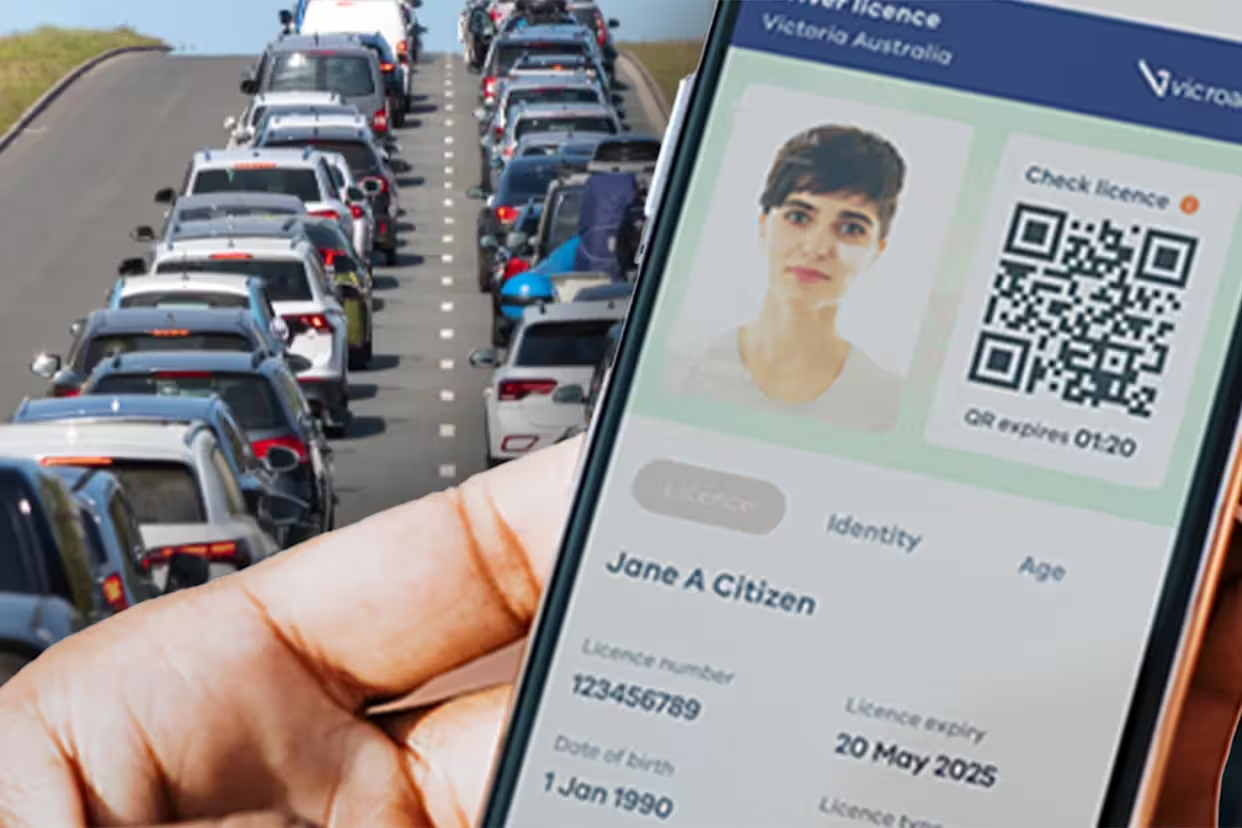
You've uploaded your digital driver's licence to Ladbrokes, expecting a quick verification process, only to receive another rejection notice. You double-check the image, upload it again, and still get the same result. At that point, it's easy to become frustrated and wonder whether there's something wrong with your licence or your account.
The reality is that this problem affects many Australian bettors. In most cases, the issue isn't with your digital licence itself. Instead, the problem usually comes down to image quality, document formatting, app restrictions, or verification requirements that aren't immediately obvious. Understanding what Ladbrokes is looking for can save you hours of frustration and help you get verified much faster.
This guide explains the most common reasons digital driver's licences get rejected, how to fix those problems, and what alternative verification methods you can use if your digital ID continues to fail.
Why Does Ladbrokes Require Identity Verification?
Identity verification is a legal requirement for all licensed bookmakers operating in Australia. Before customers can fully access their accounts, deposit large amounts, or withdraw winnings, operators must confirm that the account holder is genuinely who they claim to be.
These checks help prevent fraud, money laundering, identity theft, and underage gambling. They also protect customers by ensuring that only authorised individuals can access account funds. While the verification process can feel inconvenient, it plays an important role in maintaining a safe and secure betting environment.
Because of these legal obligations, Ladbrokes applies strict verification standards. If your identification doesn't meet those standards, the system will reject it automatically.
Why Digital Driver's Licences Cause More Problems
Physical driver's licences have been used for identity verification for years, and verification systems are designed to recognise them easily. Digital licences, however, are a newer form of identification and often include dynamic security features that can create challenges during verification.
Unlike physical cards, digital licences are displayed on a screen and may contain moving elements, QR codes, refreshable security layers, or interactive features. When customers take screenshots or photographs of these licences, some of these security features may disappear or become distorted. As a result, automated verification systems may struggle to authenticate the document correctly.
This doesn't mean digital licences aren't accepted. It simply means they require a little more care when being submitted.
Poor Image Quality Is the Most Common Reason
One of the biggest reasons for rejection is image quality. What looks perfectly clear to you may not be readable enough for an automated verification system.
Verification software needs to clearly see:
- Your full name
- Date of birth
- Licence number
- Expiry date
- Security features
- Document edges
If any of these details appear blurry, pixelated, dark, or partially hidden, the system may reject the submission.
Before uploading, zoom into the image and make sure every piece of text remains perfectly readable. If you struggle to read the details yourself, the verification software will likely struggle as well.
Glare and Reflections Can Cause Rejections
Many people display their digital licence on a phone screen and then photograph it using another device. While this method can work, it often introduces reflections and glare that interfere with verification.
Even a small reflection can cover important information and prevent the system from reading the document correctly. Bright overhead lighting, sunlight, and camera flash are all common causes of this problem.
To reduce glare:
- Use indirect lighting
- Turn off flash
- Adjust screen brightness
- Change the viewing angle
- Take multiple photos
Sometimes a small adjustment in lighting makes the difference between rejection and approval.
Missing Information Leads to Automatic Failure
Every part of the licence must be visible.
If the image cuts off part of the licence, hides the expiry date, or fails to capture all corners of the document, the verification process may fail immediately.
Common mistakes include:
- Cropping the image
- Cutting off edges
- Hiding information with fingers
- Zooming in too closely
Always ensure the entire licence appears within the frame. It's usually better to include slightly more background than risk cutting off important details.
Screenshots Are Often Rejected
Many customers assume the easiest option is simply taking a screenshot of their digital driver's licence.
Unfortunately, some verification systems specifically reject screenshots because they remove important security elements. Screenshots may also fail to capture dynamic features that prove the licence is genuine.
If Ladbrokes requests a live image of your digital licence, a screenshot may not satisfy their requirements.
Whenever possible:
- Use the official digital licence app
- Follow Ladbrokes upload instructions
- Avoid screenshots unless specifically allowed
This significantly improves your chances of approval.
State-Based Digital Licence Differences
Not all Australian digital driver's licences are identical.
States such as:
- New South Wales
- Victoria
- Queensland
- South Australia
use slightly different digital licence systems and security features.
Because of these differences, some digital licences may be easier for verification systems to process than others. In some cases, Ladbrokes may request additional documents if their system struggles to verify a specific state's digital ID.
If you're experiencing repeated issues, it's worth checking whether Ladbrokes has specific guidance relating to your state's licence.
Name Mismatches Cause Problems
Even when the licence itself is valid, verification may fail if the information doesn't match your Ladbrokes account.
Common issues include:
- Missing middle names
- Different surnames
- Nicknames
- Typographical errors
- Outdated account information
Your account information should match your licence exactly.
Before submitting your documents, review your Ladbrokes profile and ensure everything is accurate.
How to Improve Your Chances of Approval
If your digital driver's licence has already been rejected, don't simply upload the same image again.
Take a few minutes to improve the quality of your submission.
Best practices include:
- Use the official digital licence app
- Ensure good lighting
- Capture the entire licence
- Avoid glare
- Use a high-resolution camera
- Verify all details are visible
- Review the image before uploading
These small steps dramatically improve verification success rates.
Alternative Verification Documents
If your digital licence continues to fail, don't worry. Ladbrokes accepts several other forms of identification.
Alternative options often include:
- Physical driver's licence
- Australian passport
- Proof of Age card
- Medicare card
- Utility bill
- Bank statement
Many users find that submitting a physical driver's licence is significantly easier than using a digital version.
If speed is important, using an alternative document may be the fastest solution.
When to Contact Ladbrokes Support
If you've followed all the recommended steps and your licence still isn't being accepted, it's time to contact support.
Support can:
- Explain why the document was rejected
- Review submissions manually
- Recommend alternative documents
- Escalate verification issues
Before contacting them, gather:
- Screenshots of error messages
- Copies of uploaded documents
- Account details
- Device information
The more information you provide, the easier it will be for support to assist you.
How Long Does Verification Usually Take?
Verification times vary depending on the method used.
Automated checks are often completed within minutes. However, if manual review becomes necessary, the process can take longer.
Typical timeframes include:
- Automated verification: Minutes
- Manual review: Up to 24–48 hours
- Complex cases: Longer depending on documentation
Providing high-quality documents from the beginning can help avoid unnecessary delays.
Responsible Gambling Reminder
Identity verification isn't only about compliance. It also helps bookmakers maintain a safer gambling environment and support responsible betting practices.
Verification helps ensure that:
- Customers are over 18
- Accounts are secure
- Self-exclusion programs work effectively
- Withdrawals go to the correct person
Once your account is verified, consider using responsible gambling tools such as deposit limits, spending controls, and session reminders to help manage your betting activity.
Final Thoughts
If Ladbrokes keeps rejecting your digital driver's licence photo, the issue is usually related to image quality, missing information, screenshots, glare, or verification mismatches rather than the licence itself.
Taking the time to create a high-quality submission can dramatically improve your chances of approval. If digital verification continues to fail, using a physical driver's licence or another accepted document may be the quickest solution.
Most importantly, don't keep submitting the same rejected image repeatedly. Identify the problem, improve the document quality, and if necessary, contact Ladbrokes support for personalised assistance. With the right approach, most verification issues can be resolved quickly and your account can be fully activated without further delays.
0 Comments
Comments are reviewed before they appear.No comments yet. Be the first to add one.